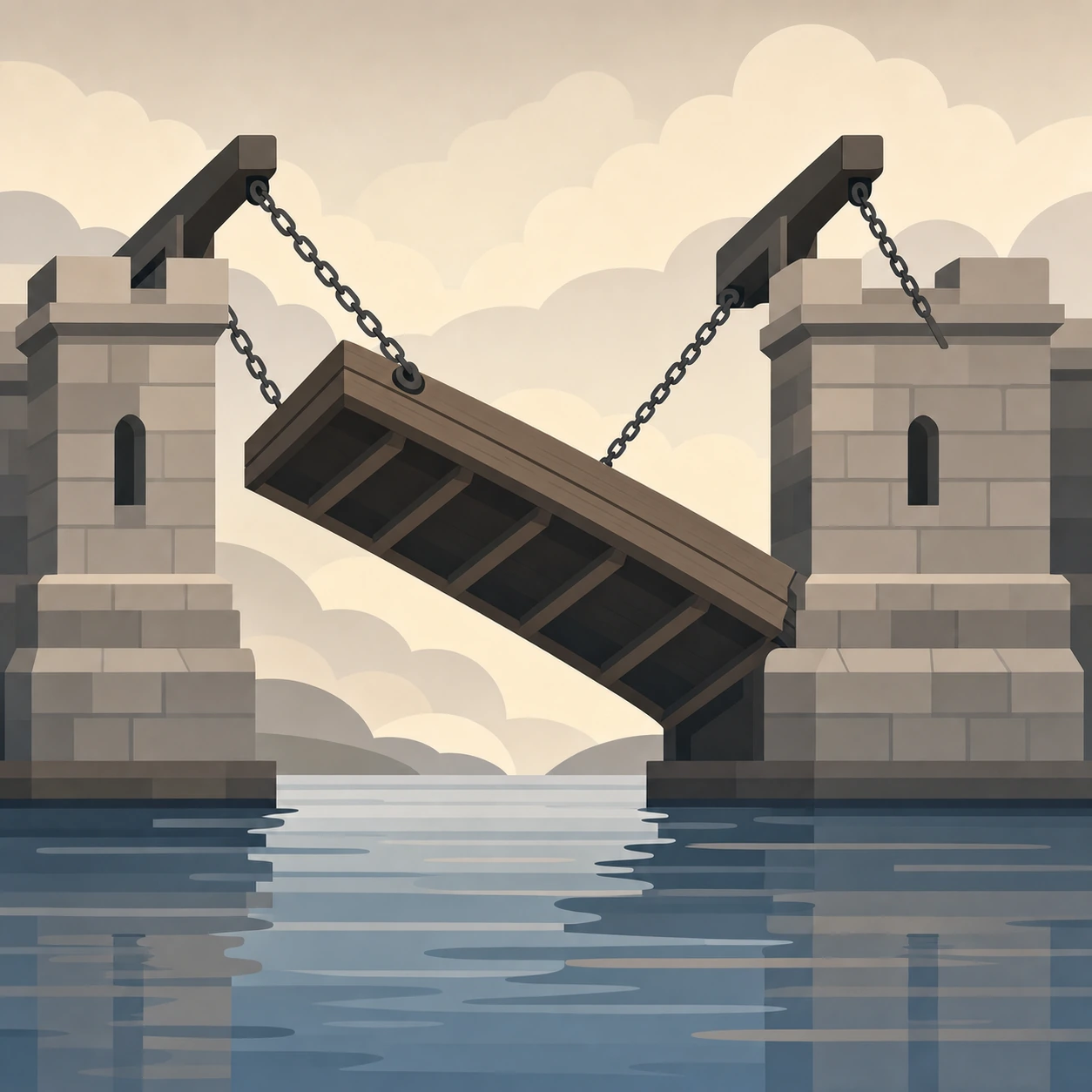
Drawbridge protects you and your Android device from harmful content, so you can keep your focus and sanity.
Drawbridge aims to solve use cases like:
“I need a phone without social media! It drives me crazy!”How?
A phone with drawbridge keeps out all social media, games, pornography, gambling, AI companions and dating. Optionally you can allow video streaming and/or YouTube. All the rest is allowed, though, and the phone functions like normal with all the other apps and tools available.
“If only there was a phone with just maps, WhatsApp, my bank app, and nothing else!”How?
Drawbridge has an option to prevent app installs. Clean up the apps, keep the few apps you need, and lock it long-term. Updates do come through, so your banking app remains safe.
“My teen and I keep fighting over parental controls and I'm sick of it! Also, these parental controls for all these apps keep changing all the time!”How?
A phone with drawbridge keeps out all social media, games, pornography, gambling, AI companions and dating. Period. Simple. No discussion. Optionally you can allow WhatsApp, video streaming and/or YouTube, and you can impose a curfew. Once you decided on the latter options, lock the settings for a long time or permanently. Done.
“Isn't there an offline phone without a browser for my kid?”How?
Even though it is recommended for a child up to 14 to have only a true dumbphone (also so that society doesn’t take smartphones for granted!), some people may choose to recycle an old Android device instead, especially when they may want an offline map, FM radio, MP3 player or possibility to share a location. Drawbridge allows you to go fully offline (blocking all web traffic), remove all browsers, and prevent app installs other than the few apps you had already. Phone calls and sms of course remain possible, and GPS and FM radio are passive receivers and remain available. An offline maps app like Organic Maps also allows location sharing through sms.
“Can't I have a device for just Spotify?”How?
Drawbridge has an option to prevent app installs. Clean up the apps, keep the few apps you need, like Spotify, and lock it long-term.
Make your phone a drawbridge phone: a phone clear of social media and other harmful time-wasters. A drawbridge phone can be used for yourself, and/or for your teenager, as a free, better and low-maintenance alternative to parental controls. The protection is based on the best practices of digital minimalism and supported by neuroscience and parents' organisations. Drawbridge is free, open source, no frills, watertight, and respects your privacy. No account is needed, and none of your data is ever uploaded.
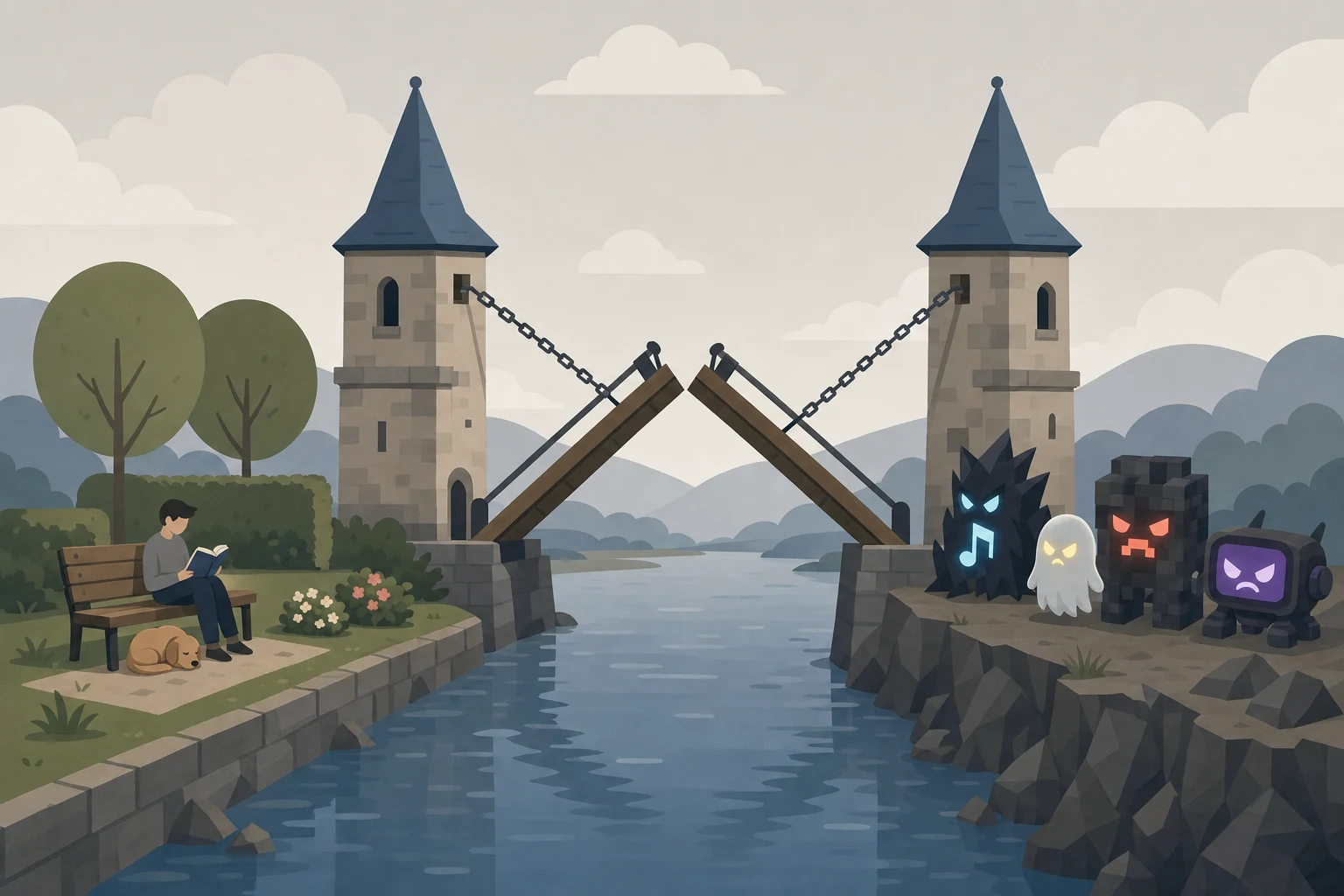
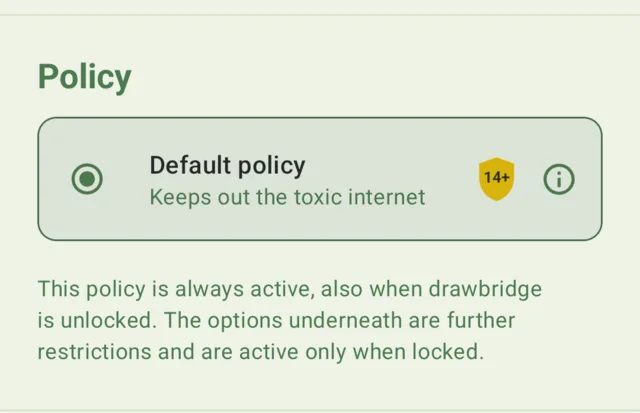
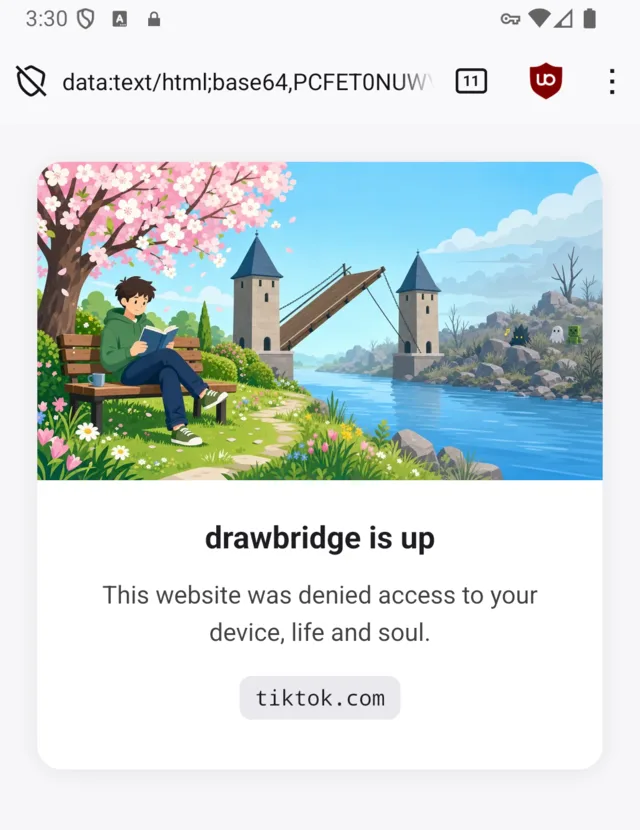
Drawbridge is a protection on your device which "raises the bridge" to harmful content and keeps it from entering your device, your life and your soul. It stops adult content, gambling, ads, algorithmic social media, AI companions, and games.
You can add further limitations: an internet curfew, or even a completely offline phone. You can also go browser-less, or limit the phone to just the few apps you picked.
The project also includes herald, a browser you can download and use on its own: see below.
You connect the phone to a computer once, over USB, and run the installer. There is no factory reset, and nothing on the phone is erased. This will embed drawbridge on your device. Once installed, just start it. Installing it does uninstall the apps it blocks, so expect those to go. Move anything you want to keep off the phone first.
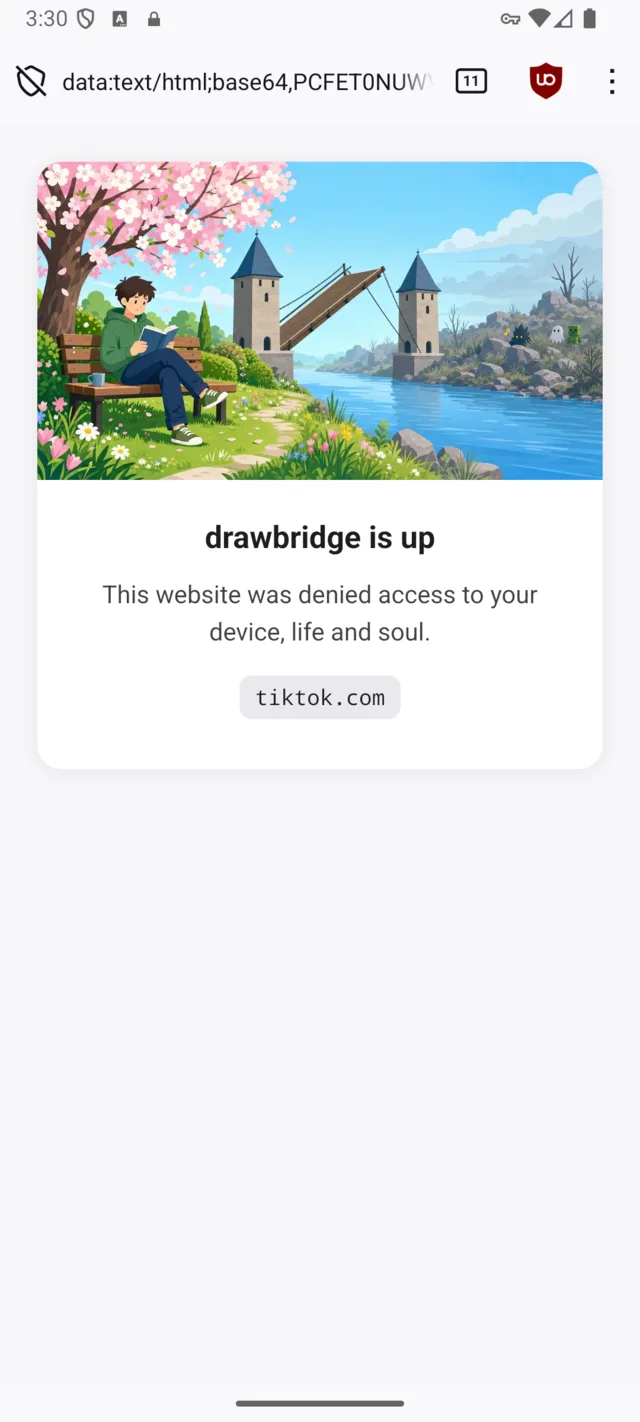
Drawbridge relies on a web filter, a block list, and automatic app uninstalls. You don't need an account, and no data leaves your device. As opposed to parental controls or app blockers, there is little to no configuration, it already has everything there to protect you. There is also no workaround.
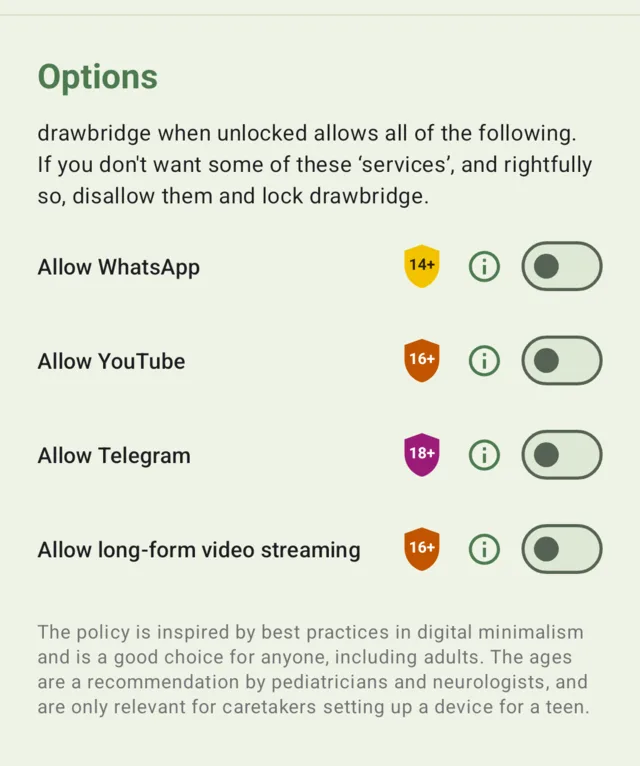
Drawbridge has an unlocked and a locked state. Unlocked, it already stops social media, games, adult content, gambling and AI companions in general, but it still allows WhatsApp, Telegram, YouTube and video streaming apps like Netflix. Genuinely private messengers such as Signal are always allowed. In the unlocked state you can also remove drawbridge with a factory reset.
By locking drawbridge you can impose more protections:
Block WhatsApp, Telegram, video streaming and/or YouTube.
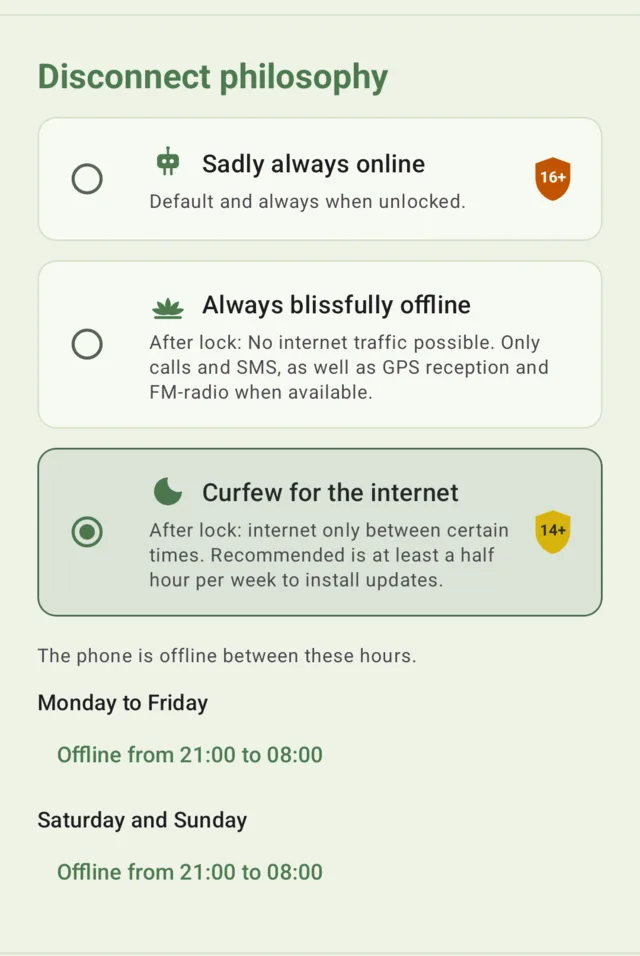
Have an internet curfew.
Have a completely offline phone. GPS keeps working, so navigation and even location sharing still work offline.
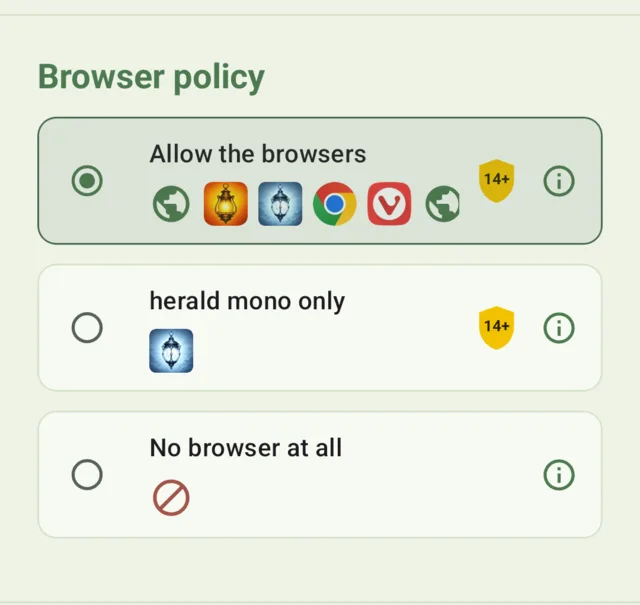
Remove all browsers.
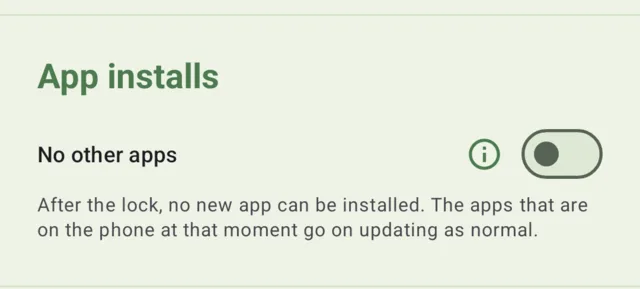
Have only some apps, the ones you really need, and stop further app installs.
A locked drawbridge requires a difficult key and/or a timer to unlock. You may set no timer and "forget" the key on purpose, in which case you have those restrictions forever.
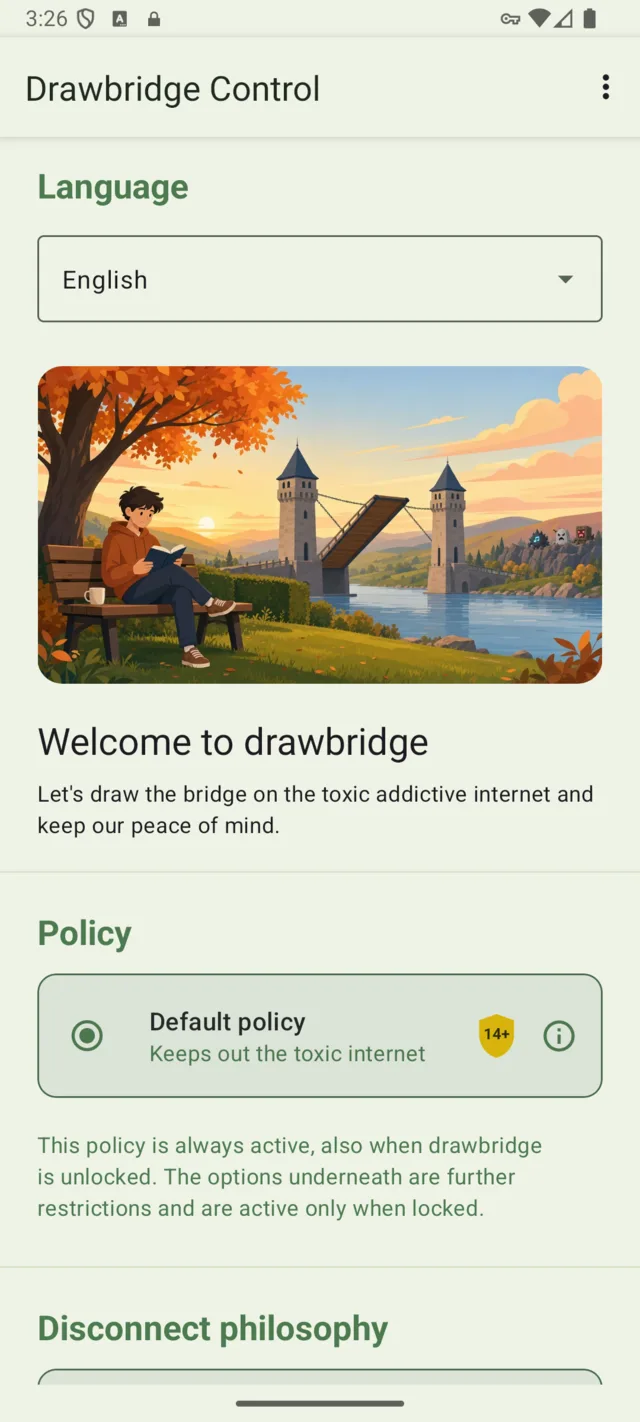
Keeps out algorithmic social media, adult sites, gambling, ads, dating apps, games, and AI companions. The only search engines available are Google, DuckDuckGo, Bing, and Kagi. The only browsers are herald (recommended), herald mono, Chrome, Firefox Focus, Vivaldi, Comet, Via and Vanadium.
Disconnect philosophy
Choose to be online only some of the time, or make your phone an offline ‘dumbphone’. Pick then also no browser.
Browser policy
Choose to have any of the allowed browsers, or go with our minimalist monochrome browser. Or go entirely without browser!
Go with only the apps you really need
Before locking, prune down your apps and keep only those you want to have on your phone. After locking, no new apps will be allowed. Updates of existing apps do come through, so keep the Play Store to update.
If you want no browser, pick that option above. Otherwise, herald will remain installed.
Leave this off if you are not sure. A blocked app can always be blocked later; an app nobody can install is a phone somebody has to come to you about.
Optional poison
Allow WhatsApp
WhatsApp carries privacy risks, has toxic social media features and an annoying chatbot. Signal is always allowed on this device, even though as a group chat app with risk of cyberbullying we also recommend 14+ and/or parental guidance. Switching this off does not uninstall the app: it is suspended and hidden, and comes back with all its chats and media intact if you switch it on again. If you would rather it were really gone, uninstall it yourself before locking.
Allow YouTube
YouTube's recommendation feed and Shorts are built to keep you watching, which is why it is blocked by default. Switching this on restores YouTube and its family (Kids, TV, Creator Studio, Music) and turns Google's own Restricted Mode on for the YouTube app and for the browser. The phone enforces that, so it cannot be switched off from inside YouTube. In herald, Shorts open as ordinary videos.
Allow Telegram
Telegram is a good messenger wrapped around a bad one. Private chats are fine. Public channels are searchable, effectively unmoderated, and are where adult material, extremist recruitment and pirated files live on this platform. There is no setting that removes them, and ordinary chats are not end-to-end encrypted unless you start a Secret Chat every time. Signal is always allowed on this device and does the messaging part better. Switching this off does not uninstall the app: it is suspended and hidden, and comes back with all its chats and media intact if you switch it on again. If you would rather it were really gone, uninstall it yourself before locking.
Allow long-form video streaming
Netflix, Prime Video, Disney+, HBO Max and around fifty other subscription video services are blocked by default, because an evening disappears into one as easily as into a feed. Switching this on restores all of them at once, the apps and the websites. YouTube is not included: it has its own option, since a recommendation feed is a different thing from a film you sat down to watch.
Locking
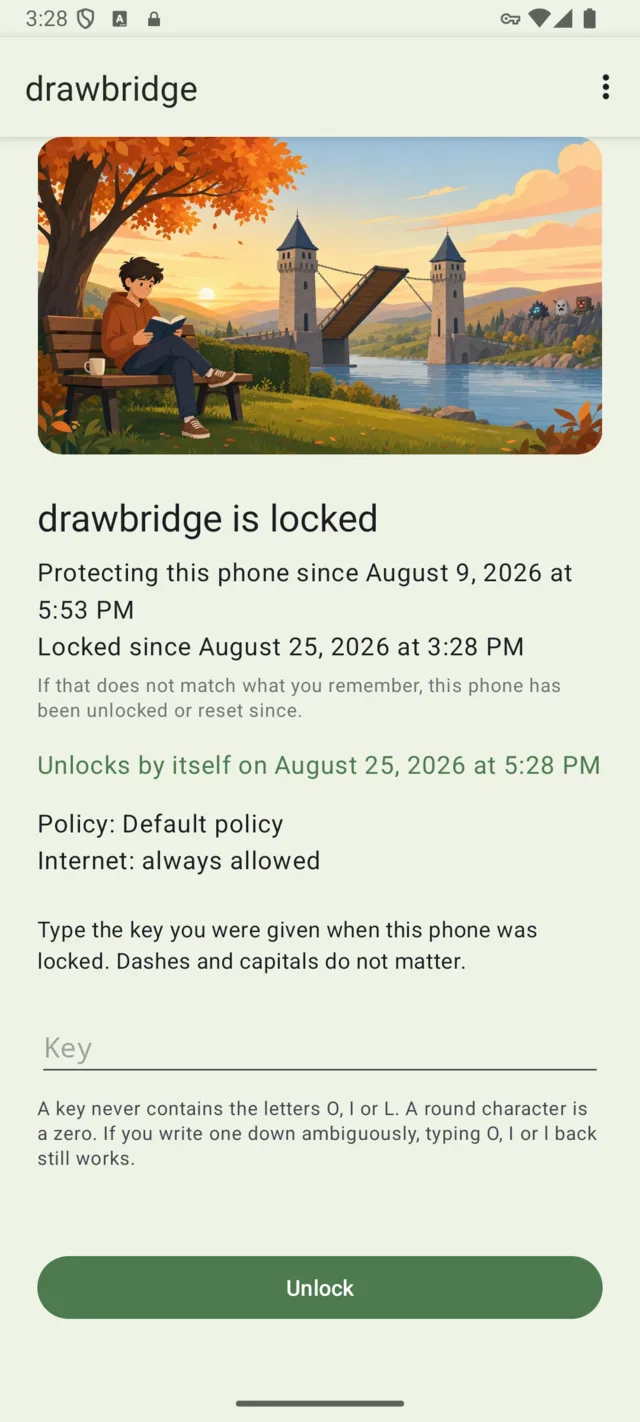
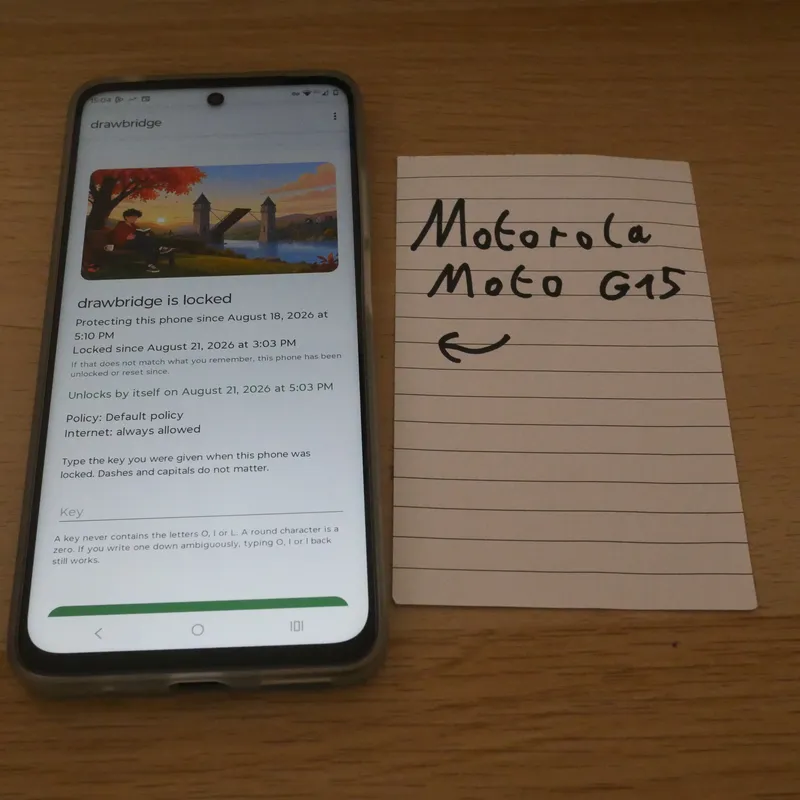
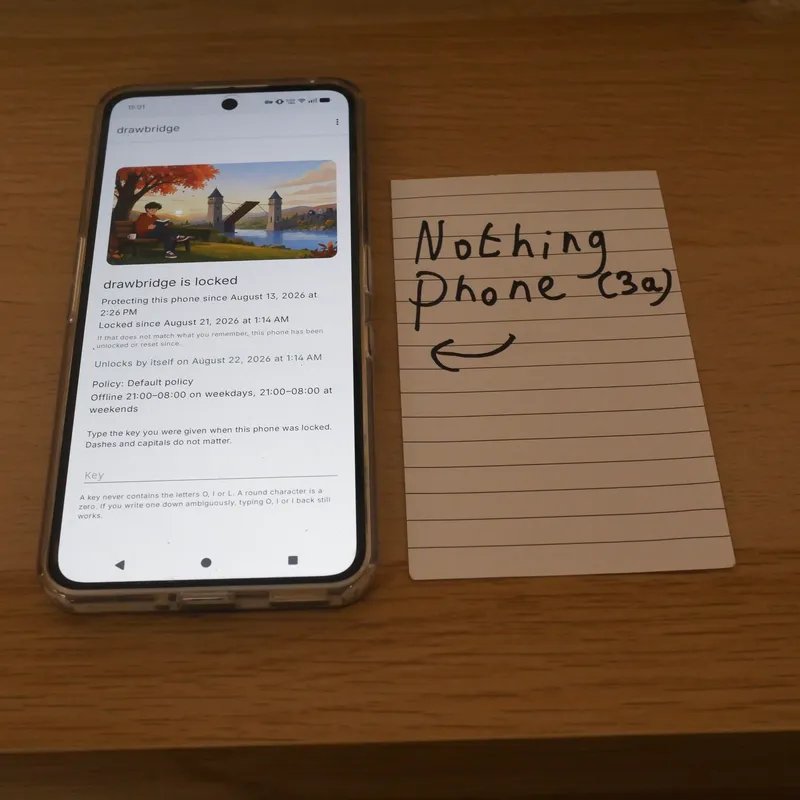
Locking forces the options you put before. You’ll need to remember (or forget) the key to go back to the unlocked mode, or use the timer. When locked, the settings cannot be changed. In permanent mode a locked drawbridge cannot be removed either, not even by factory reset.
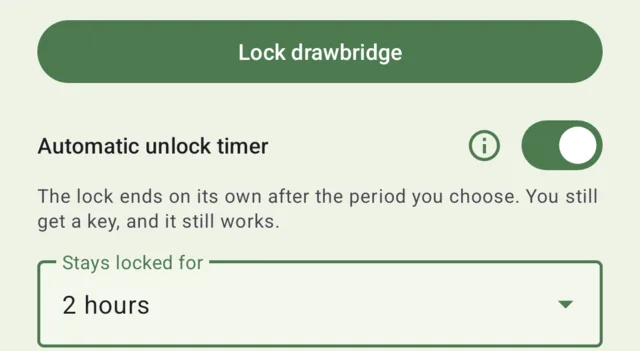
When no timer is put, drawbridge will stay locked until you put the key. Optionally, you can put a timer for drawbridge to automatically unlock.
There will still be a key to unlock before timer runs out, but many people would rather ‘forget’ the key and just use the timer to get some time off, e.g. “4h of studying without internet”, “a weekend of camping offline”, “2 weeks without YouTube”, “3 weeks with a strict internet curfew”.
The period is fixed at the moment you lock. It cannot be shortened, extended or switched off from a locked phone, and the phone's clock is held to network time so the date cannot be moved either.
On what devices?
Drawbridge should work on all Android devices running near-stock Android, or with good enterprise support.
Should work well
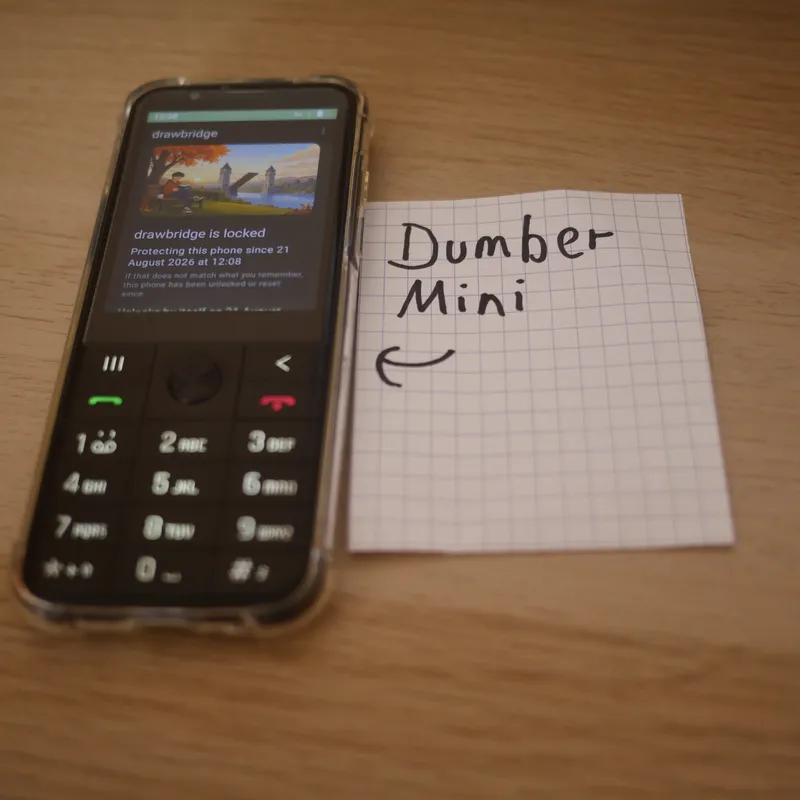
Google Pixel, Samsung, Motorola, OnePlus, Nothing Phone, Fairphone, Sony, Nokia/HMD, the Dumber Mini (LineageOS), Pixel phones with GrapheneOS, and many more.
May not be supported
Devices with heavily modified Android: Xiaomi, Oppo, Vivo, Redmi, Realme.
herald (as in "messenger, harbinger" who can cross the bridge) is a browser custom made for drawbridge, but is also available as a stand-alone app for everyone to use. It is especially interesting for people who already have parental controls or app blockers in place, but find that the browser remains a necessity which can bypass restrictions and is otherwise also an unwanted time waster. Those people can install herald as their one and only browser.
herald
The herald browser is:
Based on Firefox
Blocks harmful content combining the same public and custom blocklists as drawbridge
Allows no extensions (this could circumvent the block) but it does have uBlock Origin installed
Has a reader mode, dark mode, etc.
herald mono
herald mono is another version of this browser, especially for people who find browsing the internet itself addictive (news, shopping, etc.). It is inspired by e-ink screens and the Firefox Focus browser to make browsing less enticing:
It renders everything in black and white
Pages are harder to skim past: a flick throws the page about half as far as in any other browser, so scrolling on and on takes deciding to
Dragging is unchanged: the page still follows your finger exactly. Reader mode and colour are both still there, a menu entry away, for the page that needs them
There are no tabs. Single-tasking it is.
There is a breathing pause every time you open a webpage.
The browsers may be downloaded as packages from the repo directly. In the future we may foresee an entry in the Play Store.
 drawbridge